Fluff VR Stats is still 100% free. U just need a free key: join our Discord, type
/key, and put it in the app once.
Starting October 15, 2026, PC versions before v0.4.1 lose global chat + online features and the app asks u to update (the Quest Edition isn't affected yet).
The app updates itself when u restart it, so most of u don't have to do anything except grab ur key :3

Fluff VR Stats :3
a cute furry overlay for SteamVR + VRChat
Windows · SteamVR · open source (MIT) · no mods or injection, safe with EAC · signed updates · 12 languages
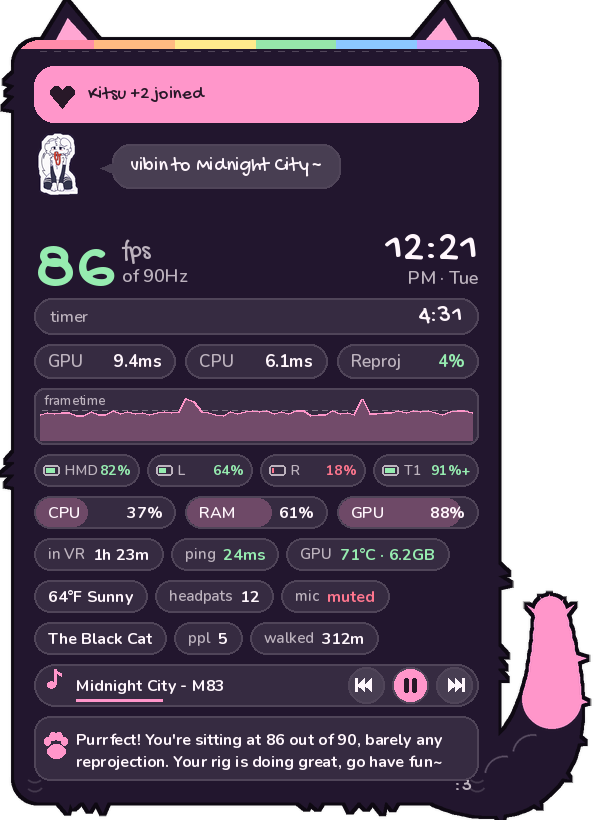
it's SO furry
Your stats live on your wrist inside cute hand-drawn panels with ears and a fluffy tail. A whole menu waits in your SteamVR dashboard. Global chat connects you with every fluff on PC, desktop and Quest.
even the error screen is cute. (it never crashes btw)
what's inside
Wrist stats
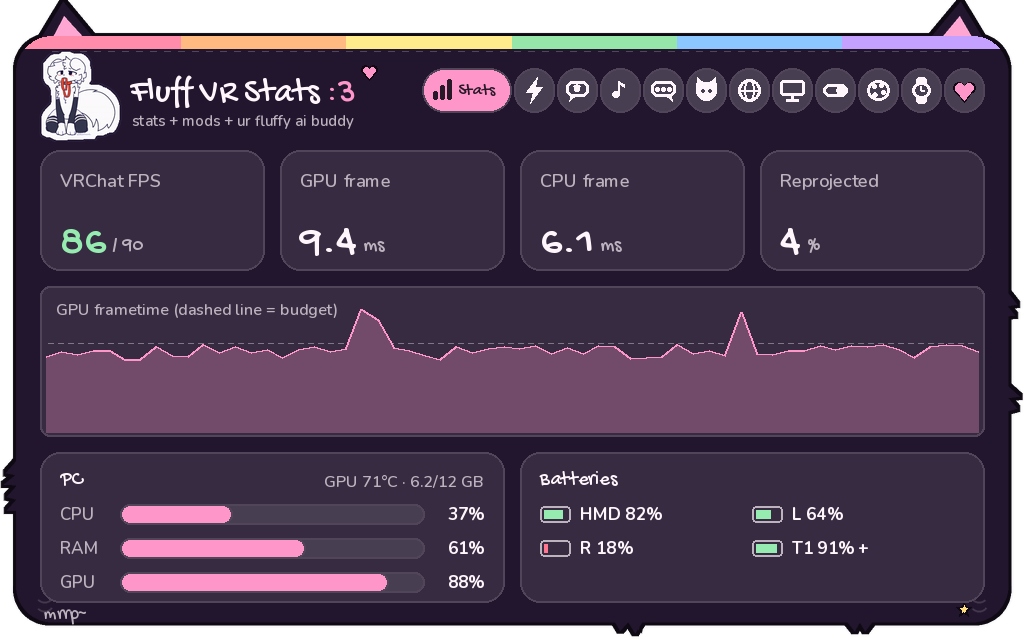
FPS, frame times, reprojection, batteries and PC load. Fades in when you look.
FPS Boost
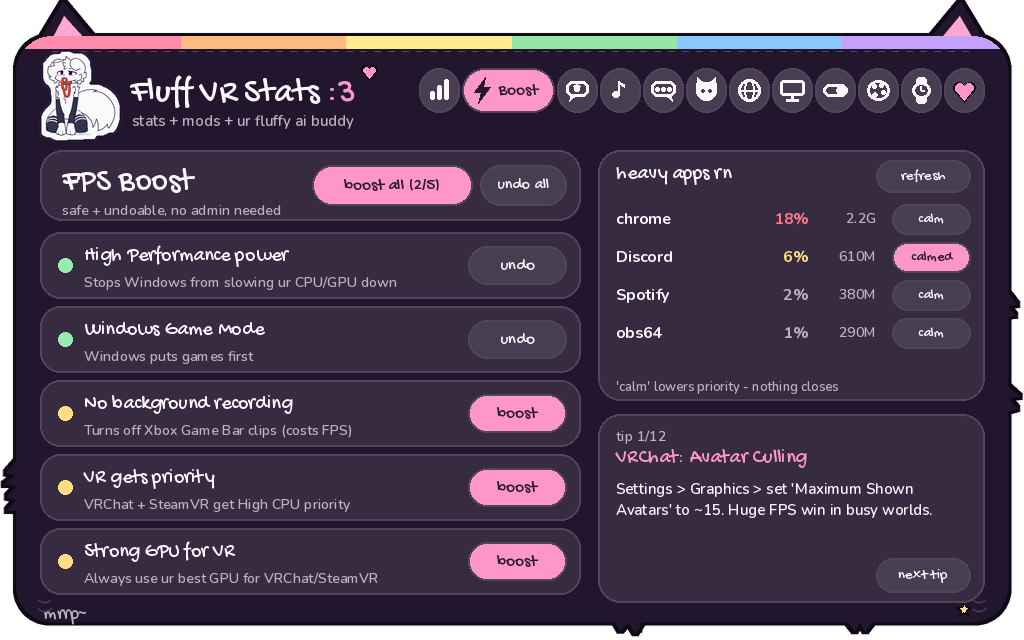
One-tap safe PC tweaks for VR. Everything's undoable, no admin needed.
Global chat
Talk to everyone on Fluff VR Stats, right from your wrist.
Music controls
Album art + controls, plus buttons on your wrist that you tap with your other hand.
Chatbox stats
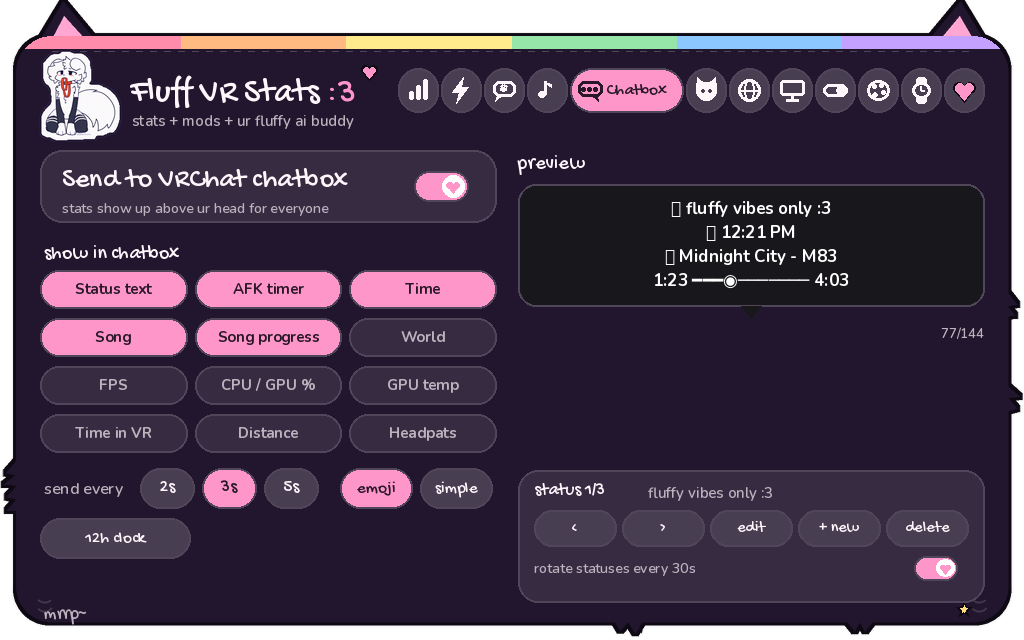
MagicChatbox-style status, song, time, world & more in the VRChat chatbox.
Avatar toggles
Your avatar's toggles as buttons, read automatically from VRChat.
World info
World, instance, who's here, plus "Kitsu joined" popups on your wrist.
Lil Fluff pet
A tiny buddy on your wrist. Sleeps when you're AFK, vibes to music, loves headpats.
24 themes
Pride flags, pastels, goth, neon... plus 7 ear styles: cat, fox, wolf, bunny, bear, dragon.
new in v0.4
Fluff Wrapped
Your month in VR as one cute card: hours, headpats, worlds, top song. Saves as a picture, post it anywhere.
37 badges
Pat Magnet, Night Owl, World Hopper, Candy Hoarder... they pop up on your wrist and sync to the Discord.
Kitty closet
Hats + collars for Lil Kitty: crowns, halos, headphones, a witch hat. Unlock them with badges.
Spooky season
October event: pat your kitty for candy, collect 31 for a pumpkin hat that's yours forever.
Theme codes
Share your exact look as a short FLUFF- code, paste anyone else's. /sharetheme in the Discord.
Fluff Friends
See other Fluff users in the same instance as you, and wave at them. It pops up on their wrist.
Community nights
Hangouts planned in the Discord show up on your Home tab. Be there for the badge!
12 languages
日本語, 한국어, 简体中文, Español, Português, Français, Deutsch, Italiano, Polski, Русский, Українська.
Way safer
Global chat goes through Fluff Bot now (bans + reports really work), and updates are signed + checked before they install.
peek at the menu
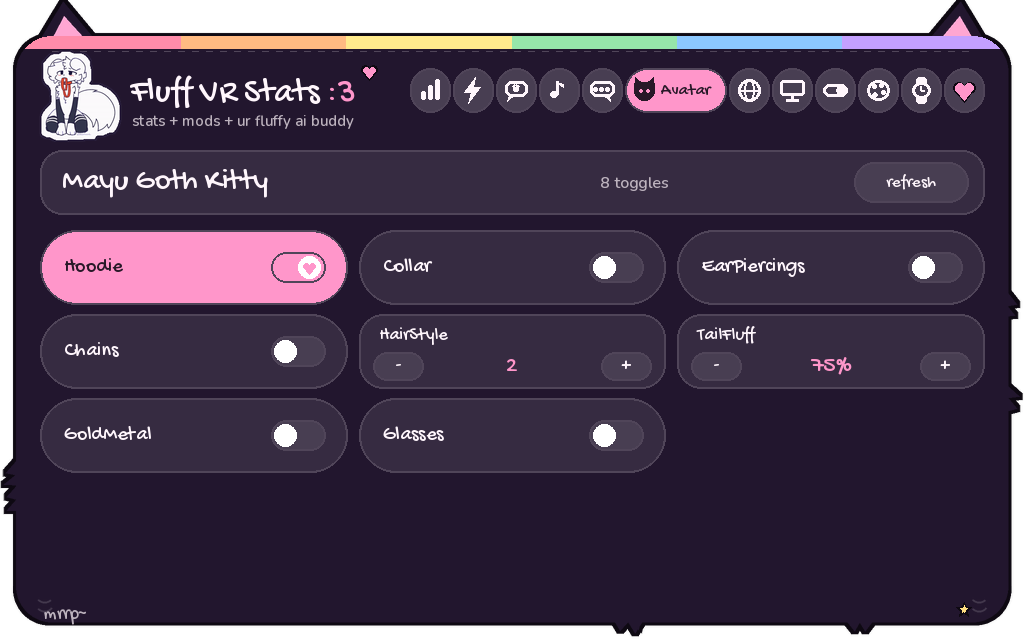
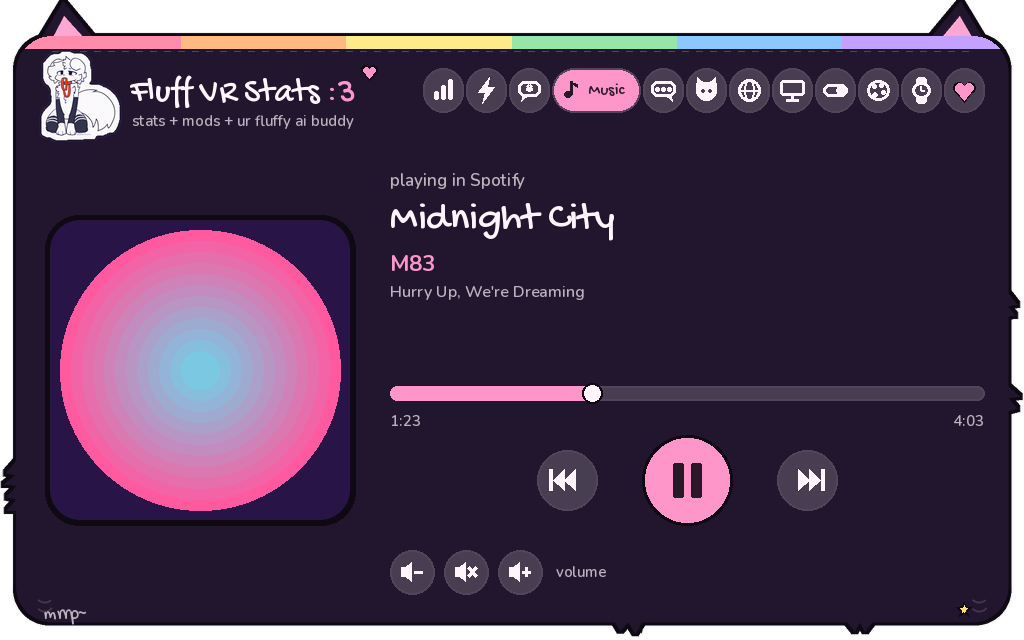
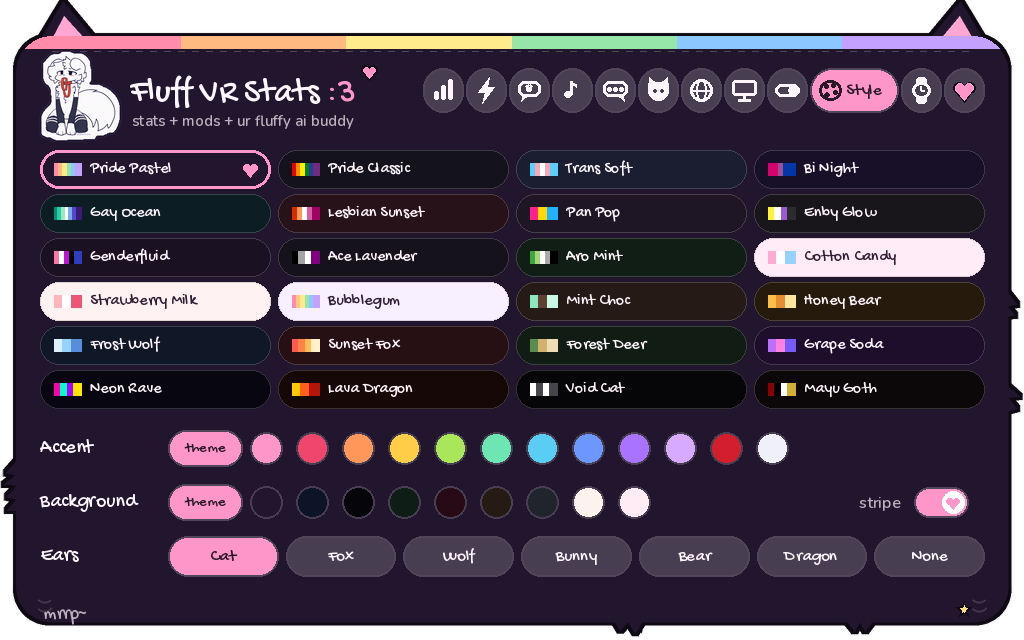
install in 2 min
- Install Python 3.10+ from python.org and tick "Add python.exe to PATH".
- Download the latest release and unzip it anywhere.
- Double-click
install.bat. - Double-click
run.bat, put your headset on, and look at your wrist :3
In VRChat, turn on OSC (Action Menu → Options → OSC → Enabled) for the chatbox, avatar toggles and headpats.
🔑 Free app key: join our Discord, type /key, and put it in the app once (Settings → App key). Still 100% free: it links you to the community, keeps global chat safe and gets you the 🧪 Beta Tester role.
Stuck? Troubleshooting + FAQ
come hang with us
💜 the Fluff VR Stats Discord
get help installing, show off ur wrist setup, suggest mods, grab beta builds first, and meet other fluffs :3
🟢 loading who's online…
questions
Is it safe with VRChat / EAC?
Yes. It's a separate SteamVR overlay app. It never touches VRChat's files or memory and talks to VRChat only through official OSC.
Does it lower my FPS?
Barely. The wrist HUD redraws twice a second, the menu only redraws while it's open, and it runs at low CPU priority. The Boost tab can raise your FPS.
Where did the AI buddy go?
We took it out in v0.3.0. Lately there's been a lot of hate and drama around AI and a lot of people aren't vibing with it, so the app is 100% AI-free for now. Not because we hate AI, we just want everyone to feel comfy. It might come back as an optional mod once things calm down :3
What leaves my PC?
Global chat: your messages + chat name (via ntfy.sh and Fluff Bot). Fluff Friends: your chat name, only to Fluff users in the same instance. App key: your key, chat name, app version and badge names (to Fluff Bot). Discord status: fps, song, and your world only if you allow it (to your own Discord app; world is hidden by default). Update check: asks GitHub for the newest version. Weather/ping only if you turn them on. That's all: no tracking, no ads, nothing about your PC or VRChat account. World and player info is read from VRChat's own log file on your PC.
Why do I need a key if it's free?
It stays free forever. The key links the app to the Fluff Discord so Fluff Bot can keep global chat safe (bans and reports actually work), so beta testers get their role, and so your badges show up in the Discord. It's checked once, then works offline. If Fluff Bot is ever down, the app keeps working.
Something's broken!
Check the troubleshooting page. Still stuck? Settings → backup + help → Copy logs, then paste them in a /ticket in the Discord.
Can I make my own themes / mods?
Yes! It's open source. Add a theme with one line in themes.py, and pull requests are welcome.